The fastest calorie tracking apps, and what actually makes logging quick
The fastest calorie tracker is the one that needs the fewest steps for the food you actually eat. Here is how the main apps compare on photo, text, barcode and repeat logging, and why planning meals ahead saves more time than any single feature.

- The fastest tracker is the one with the fewest steps for your usual meals: one-tap repeats, a barcode scanner, and photo or text logging for everything else.
- Many apps put photo, voice and barcode logging behind a paid plan, so check which tier the fast features need.
- Planning meals ahead saves the most time of all, because logging becomes a quick confirmation instead of a search.
Match the logging method to the food
Speed comes less from one clever feature than from using the right one for each kind of meal.
Repeat what you eat often
Your usual breakfast, coffee and work lunch should take one tap. Save them as meals or recipes the first time, and copy them from an earlier day after that.
Scan packaged food, describe the rest
A barcode is the fastest accurate way to log anything with a label. For a mixed meal, type one sentence or take a photo, then check the portion before you save.
Plan the week once
Put your planned meals on the calendar before the week starts. During the week, you open the day and confirm what you ate instead of building each entry from scratch.
What is the fastest calorie tracking app?
The fastest calorie tracking app is the one that needs the fewest steps for the way you eat. In practice that means four things in one place: one-tap repeats for your usual meals, a barcode scanner for packaged food, photo or text logging for mixed meals, and a way to plan meals ahead so most of the diary is filled in before you eat. BiteTracker includes all four in a single subscription. Several other apps have most of them, often split across free and paid tiers.
We make BiteTracker, so read this with that in mind. Everything we say about other apps comes from their own websites, help centers and App Store listings, checked on October 1, 2026. Features and prices change, so check them again before you subscribe.
What actually makes logging fast?
Logging time goes on three jobs: finding the food, setting the portion and doing it all again tomorrow. The quickest apps cut down all three. Search is the slow part for most people, so anything that skips it, such as a scan, a photo, a sentence or a repeat, saves the most time.
Repeats matter more than they look. Most people eat the same few breakfasts, lunches and snacks most weeks, and most households cook the same 10 to 15 dinners. Once those are saved, a large share of the week takes one tap per meal, whichever app you use.
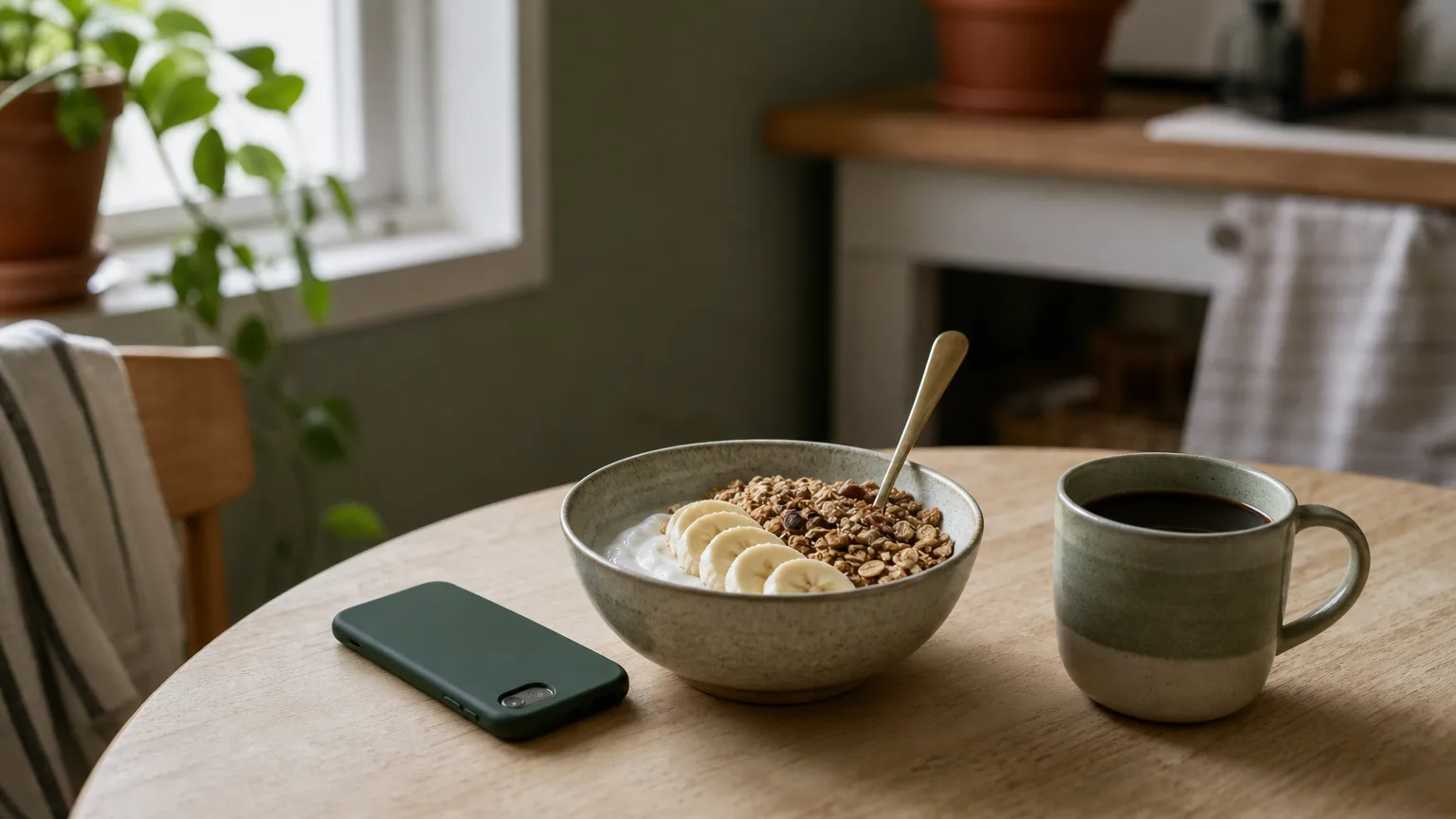
Logging methods, from fastest to slowest
Rough times for a single entry once you know the app. The right method depends on the food in front of you, not on which feature is newest.
- Confirm a planned meal or copy a meal from an earlier day: a few seconds.
- Add a saved meal or a recent food: a few seconds.
- Scan a barcode: a few seconds, with label-accurate numbers.
- Describe the meal in a sentence, such as two eggs, toast with butter and a latte: 15 to 30 seconds, including a quick check.
- Take a photo and review the portions: 20 to 60 seconds, depending on how many items need correcting.
- Search the database item by item: a minute or more for a mixed meal. Save the result so you only do it once.
How the main apps compare on logging speed
Here is what each app offers for fast logging, and which plan you need for it. Prices are US list prices for annual plans.
- BiteTracker ($42 a year, or $8.99 a month): describe a meal in a sentence, snap a photo, scan a barcode, search, copy meals from earlier days, re-add recent meals, import recipes from a link, and plan the week on a calendar so planned meals are ready to confirm. On iPhone, a Live Activity puts one-tap meal buttons on the lock screen. Every method is in the one plan, on iPhone, Android and the web.
- MyFitnessPal: the free tier covers search, saved meals, copying meals, recipe import from the web and calorie-only quick add. Barcode scanning, Meal Scan photo logging and voice logging need Premium ($79.99 a year) and work in the mobile apps only. Meal planning needs Premium+ ($99.99 a year).
- Lose It!: Snap It photo logging, Say It voice logging and logging food ahead of time are Premium features ($79.99 a year). Lose It! says it is moving barcode scanning into Premium too, so some free members still have it and others do not.
- Cronometer: barcode scanning and copying the previous day are free. Photo logging, typed or spoken meal descriptions and recipe import from a link need Gold ($59.99 a year). Its real strength is nutrient detail rather than speed.
- MacroFactor ($71.99 a year): photo, typed or spoken descriptions, barcode and label scanning, quick add and copying whole days are all included. There is no free tier and no web app, and we found no meal planner in its feature list.
- Cal AI: built around photo logging, with barcode scanning and descriptions. A subscription is needed to see scan results, and its prices are not published outside the app. MyFitnessPal announced it had bought Cal AI in March 2026, and Cal AI's own FAQ describes it as about 80 percent accurate.
Speed versus accuracy
The fastest method is not always the most accurate. A photo can identify a plate in seconds but still misses the oil it was cooked in or a heavy pour of dressing. A barcode is both fast and exact. A saved recipe is exact for as long as you keep cooking it the same way.
A good routine uses each where it is strongest: scan packaged food, repeat your saved meals, and use a photo or a sentence for everything else, then add a line for any oil or sauce the picture cannot see. Our guide to how accurate AI photo calorie tracking is shows what to check before you save.
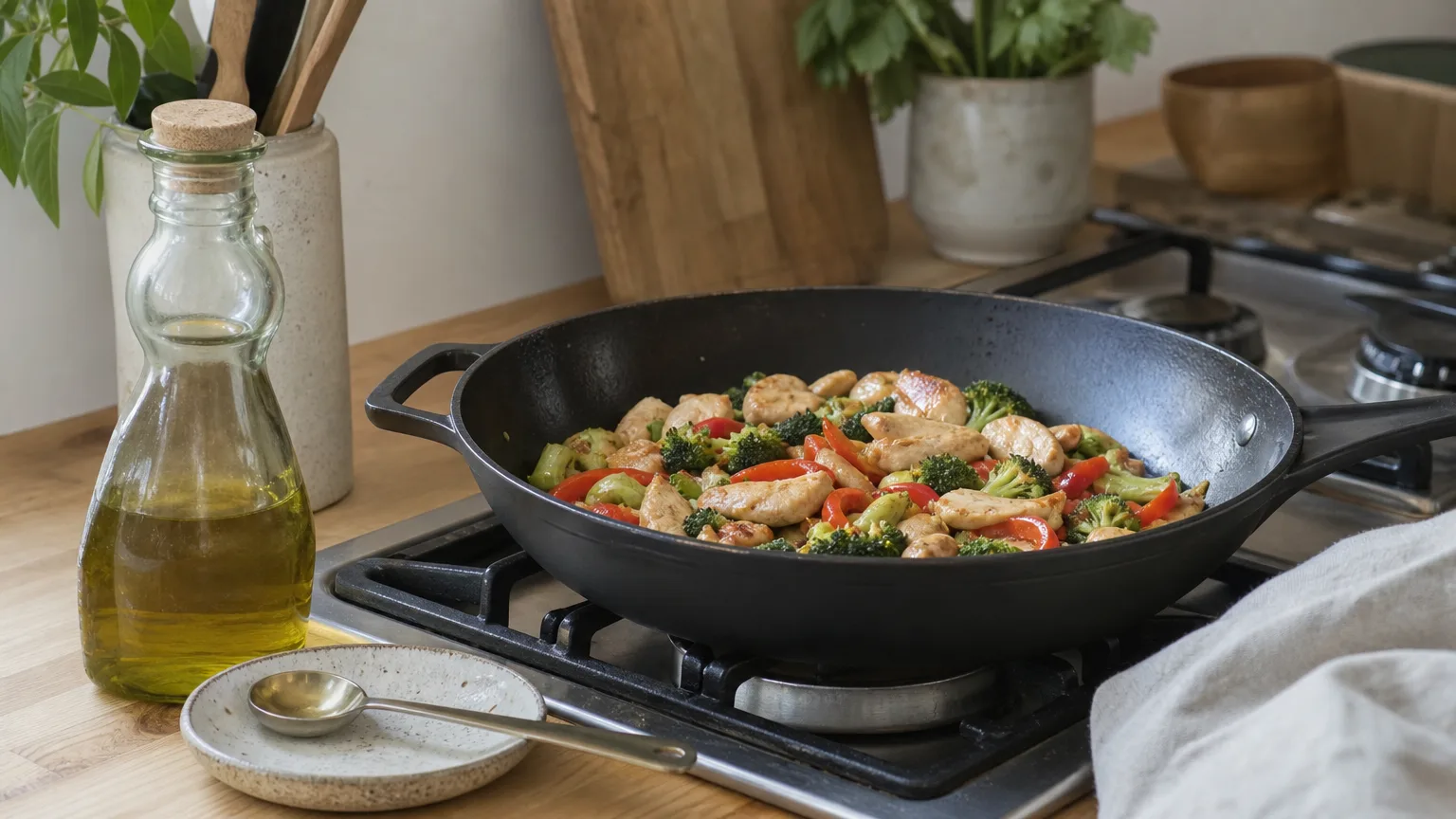
The biggest time saver: planning meals before you eat them
Most tracking apps start from an empty diary every day. Planning flips that. If you put the week's meals on a calendar on Sunday, each day already holds most of its entries, and logging becomes a quick check: confirm what you ate, swap anything that changed, add the extras. The one-hour weekly meal plan walks through it.
Many apps offer some meal planning in a paid tier, including Carb Manager, MyNetDiary, FatSecret, Yazio and Lifesum. Fewer turn the plan into groceries. In BiteTracker, you drag recipes and saved meals onto the week, see calories and protein add up for each day, and send the ingredients to Instacart, all in the same $42 subscription. MyFitnessPal links meal plans to grocery delivery in Premium+, its $99.99 tier. Lose It! and MacroFactor let you log food to future days, and we did not find a meal planner in Cronometer's feature list.
Run a one-day speed test
Feature lists only go so far. Most paid trackers offer a trial, so test the ones you are considering with your own food:
- Pick an ordinary day: your usual breakfast, one packaged food, a homemade dinner and a snack.
- Time each entry from opening the app to saving it, including any corrections.
- Check the numbers for one meal you know well, such as a recipe you have counted before.
- Note which of the fast features you used are part of the plan you would actually pay for.
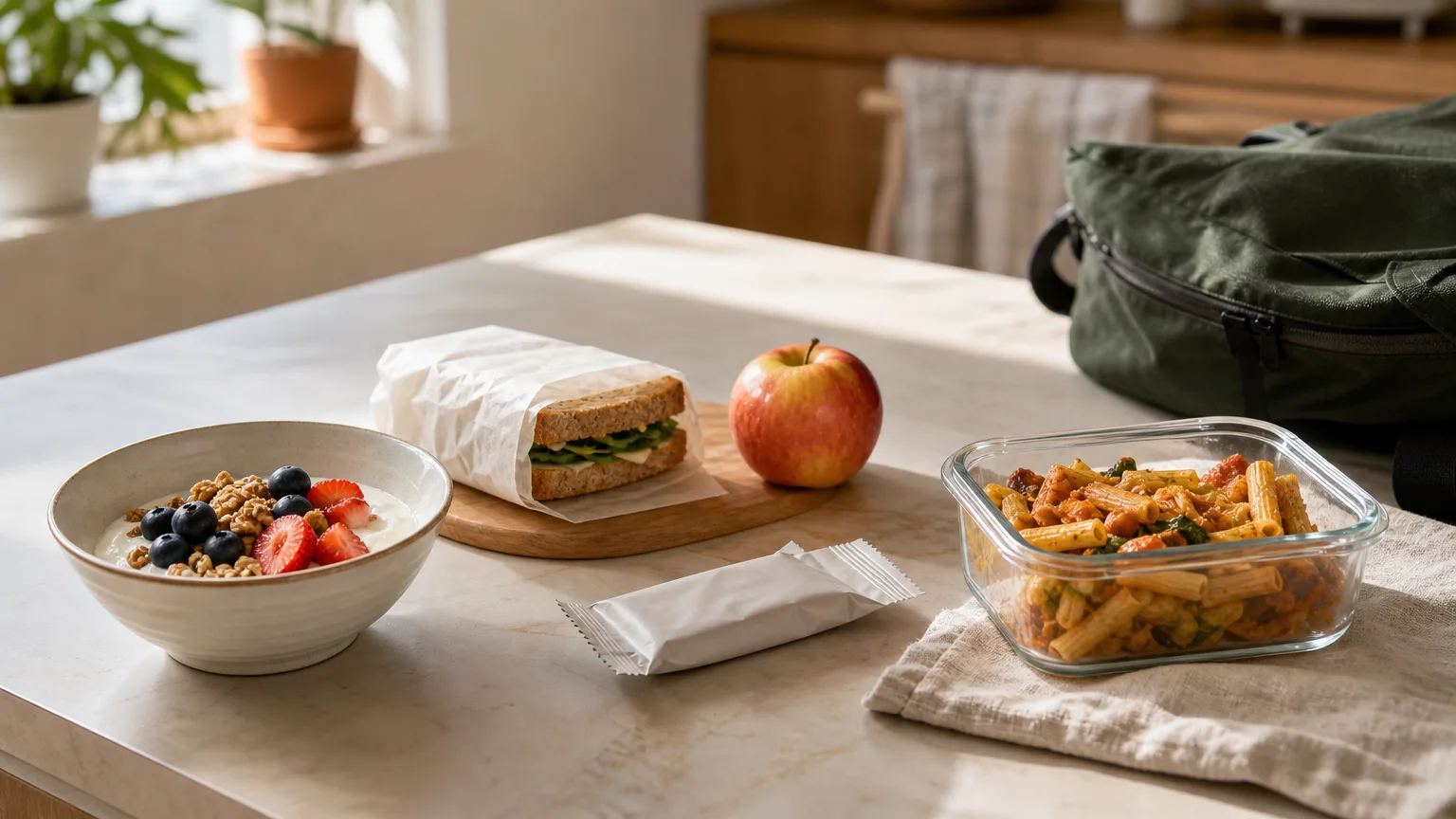
How to log a day in about two minutes in BiteTracker
Here is an ordinary day once your regular meals are saved: breakfast confirmed from the plan, coffee re-added from recents, lunch described in a sentence, a snack scanned, and dinner confirmed from the plan with one added line for extra cheese. That is five entries, and roughly two minutes of tapping for the whole day.
The same habits work in any app, and our guide to simple food logging covers them. If you want every fast method plus a meal calendar and grocery ordering in one plan for $42 a year, BiteTracker is built for exactly that. Start with the trial and run the one-day test above.
Frequently asked questions
What is the fastest way to log food in a calorie tracker?
Repeat what you eat often with saved meals or by copying an earlier day, scan barcodes on packaged food, and describe or photograph mixed meals. Planning meals ahead is faster still, because the entries are already in your diary and you only confirm them.
Is photo logging faster than barcode scanning?
For a single packaged food, a barcode scan is usually just as fast and more accurate. Photo logging is faster for mixed plates with several items, but check the portions and add any cooking oil or sauce the photo cannot see.
Which calorie tracking apps include AI photo logging?
As of October 2026, BiteTracker, MyFitnessPal Premium, Lose It! Premium, Cronometer Gold, MacroFactor and Cal AI all offer photo logging. In MyFitnessPal, Lose It! and Cronometer it needs a paid plan; in BiteTracker, MacroFactor and Cal AI it is part of the only plan. Yazio, FatSecret, Lifesum, MyNetDiary and Carb Manager also offer it in their paid plans.
Can I plan meals in a calorie tracking app?
Many apps include meal planning in a paid plan, including Carb Manager, MyNetDiary, FatSecret, Yazio and Lifesum. BiteTracker includes a meal calendar and Instacart ordering in its standard plan, and MyFitnessPal offers meal plans with grocery lists in Premium+. Lose It! and MacroFactor let you log food to future days.
Log a whole day in a few minutes with BiteTracker
Describe a meal, snap it, scan it or repeat it, and plan the week so most meals are already in your diary. Every logging method is included in one subscription, on iPhone, Android and the web.
Sources
- MyFitnessPal Premium, MyFitnessPal
- Cronometer Gold, Cronometer
- MacroFactor, MacroFactor
- Lose It! Membership Tiers & Pricing, Lose It! Help Center
- FAQ, Cal AI
This article is general information, not medical advice. If you have a health condition, talk to your doctor or a registered dietitian before changing how you eat.