A one-hour weekly meal plan that makes calorie tracking easier
A weekly meal plan for weight loss does not mean cooking everything on Sunday. It means one hour spent choosing a few repeatable meals, checking they fit your calorie and protein targets, and shopping once. Here is how to spend that hour.

- Start from your numbers: a daily calorie target about 300 to 500 below maintenance and a protein target, split across the meals you actually eat.
- Repeat breakfasts and lunches; vary dinners. Six to eight anchor meals cover most weeks.
- Pre-log the plan so tracking becomes confirming, and leave one or two dinners open for real life.
Decide once, then let the week run on defaults
Planning is not cooking. Most of the benefit comes from removing decisions during the week, and that takes about an hour.
Fifteen minutes: set the day and pick anchors
Write down your daily calorie and protein targets and split them across breakfast, lunch, dinner and a snack. Then choose one or two breakfasts, two lunches and three or four dinners you already like and can make on a weeknight. If a meal misses its budget, adjust the portion rather than swapping the meal.
Fifteen minutes: place them on the calendar
Drop each meal into its slot for Monday to Friday, or the whole week. Watch the daily totals as you go. A day that comes in 300 calories over or 30 grams short on protein is easy to fix now, with a smaller portion or a different snack, and hard to fix on Thursday night.
Thirty minutes: shop and prep the slow parts
Build the grocery list from the planned meals and order it, or shop once. Then cook only what takes time: a pot of grains, a tray of roasted vegetables, a batch of protein. Everything else during the week is assembly.
What does a weekly meal plan for weight loss look like?
A good weekly meal plan for weight loss is a short list of meals you already like, portioned to fit a daily calorie target a few hundred below maintenance, with enough protein at each meal. Breakfasts and lunches repeat, dinners rotate, and one or two nights stay open. It takes about an hour to set up.
The goal is not a perfect menu. It is a week where most meals are already decided and already counted, so the only daily job is eating them and confirming what you ate. That is what makes the plan survive past Wednesday.
How many calories should each day of the plan have?
Start with your daily target. For most people losing weight, that means roughly 300 to 500 calories below estimated maintenance, and generally not below about 1,200 calories a day for women or 1,500 for men without medical supervision. If you have not worked out that number yet, start with how to set a calorie target for weight loss.
Then give each meal a budget. Here is a worked example for someone with an 1,800-calorie target and a 125-gram protein target:
- Breakfast: about 400 calories and 30 grams of protein.
- Lunch: about 500 calories and 35 grams of protein.
- Dinner: about 650 calories and 40 grams of protein.
- Snack: about 250 calories and 20 grams of protein.
- Total: 1,800 calories and 125 grams of protein.
Choose anchor meals, not a full menu
An anchor is a meal you can make in about 20 minutes with ingredients you keep around, that roughly fits its budget, and that you are happy to eat every week. A week needs surprisingly few of them.
Keep 20 to 40 grams of protein in each main meal. It keeps meals filling, which matters more in a deficit than any single food choice. The high-protein recipe collection lists calories and protein per serving if you need new anchors.
- Two breakfasts: one quick (Greek yogurt, fruit and a spoon of granola), one cooked (eggs, toast and fruit).
- Two lunches, ideally built from dinner leftovers or a grain-bowl template.
- Three or four dinners with a protein, a starch and a vegetable you can vary with sauces.
- Two or three snacks you have logged before, such as cottage cheese, a protein yogurt or fruit and cheese.
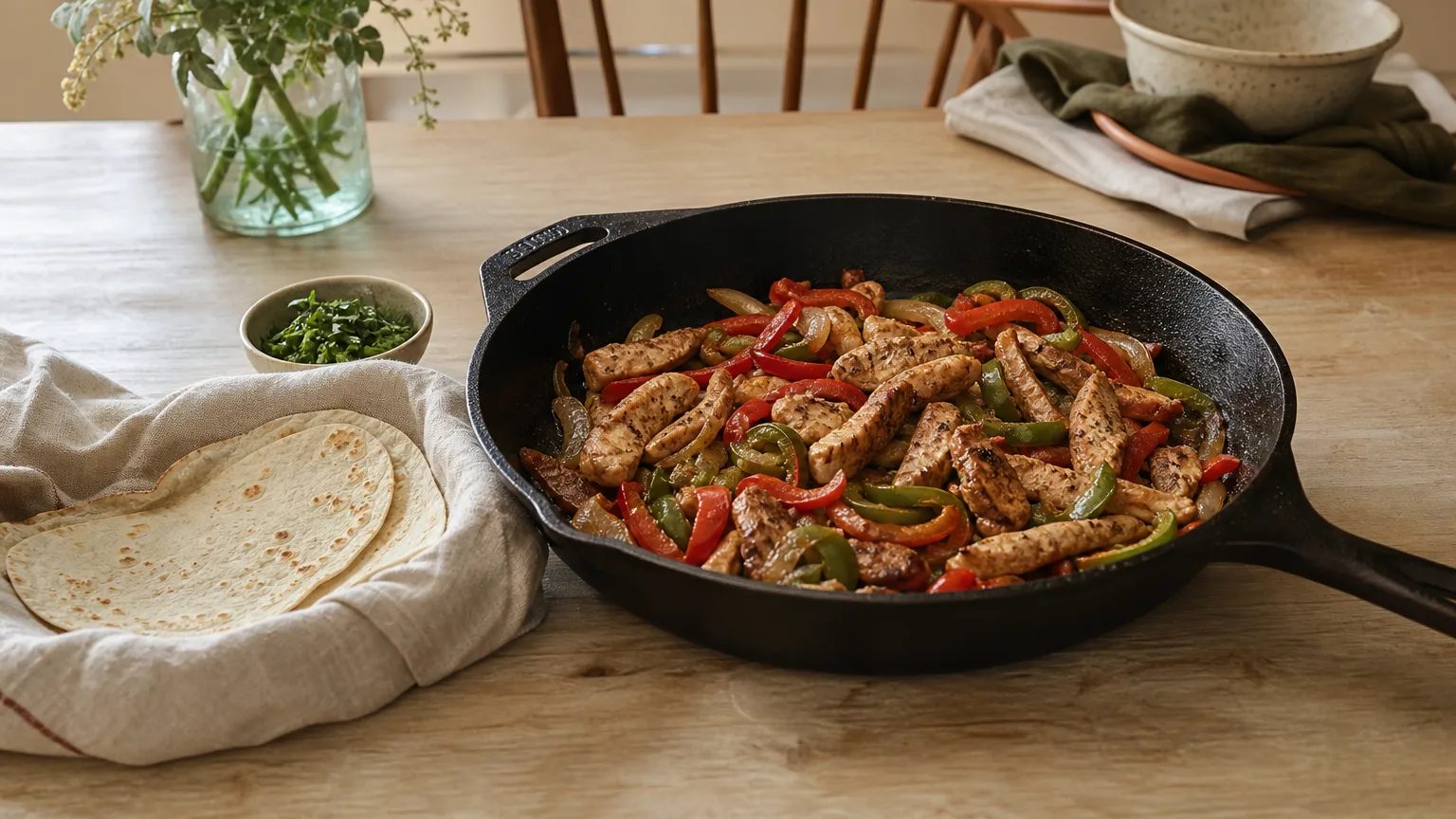
Why repeating meals makes a weekly meal plan easier to follow
Most logging effort goes on meals that are new or unplanned. When the week runs on a handful of repeatable meals, most entries already exist and the arithmetic is already done. Your weekly numbers also become more predictable, which makes it much easier to tell whether your calorie target is working.
Repetition does not have to mean cooking the same dinner twice. If you would rather cook two or three batch bases and turn them into different dinners, the system in how to meal plan without cooking every night slots straight into this plan.
Pre-log the plan, then confirm
Put the planned meals into a calendar for each day. In BiteTracker, the daily totals update as you plan, so a low-protein day is obvious on Sunday rather than Thursday. During the week, open the day and confirm what you actually ate, or swap the meal if plans changed. The record stays complete either way.
If you plan on paper, the same idea works: write each day's planned calories beside the meals, and tick or correct them as you go.
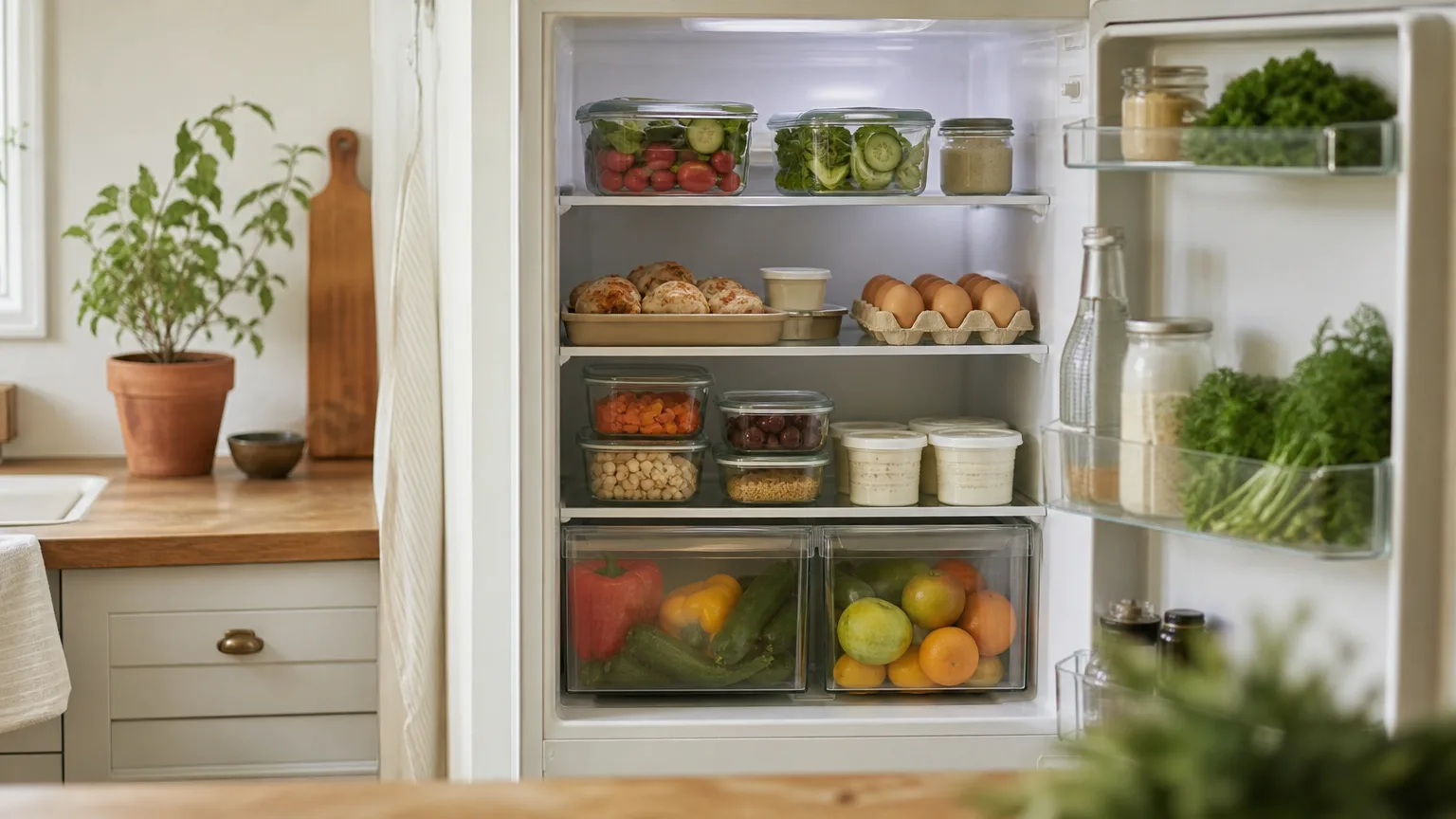
How to turn the plan into one grocery list
Write the list straight from the planned meals, then cross off what you already have. Buying only what the plan needs is what keeps the week on track: the snacks and extras that were never planned are the ones that turn up unlogged.
Group the list by where things are in the store, and buy anchor ingredients in the quantity the week needs. If you plan in BiteTracker, you can send the planned ingredients to Instacart in one order instead of writing the list at all.
- Proteins for the week: for example, 2 pounds of chicken, a dozen eggs, a tub of Greek yogurt.
- Starches: rice, potatoes, tortillas or bread for the planned meals only.
- Produce you will actually use by Thursday, plus frozen vegetables for the rest of the week.
Leave room for real life
Plan five or six dinners, not seven. Keep one fallback that needs nothing fresh, like eggs on toast or a pantry pasta with canned tuna, for the night the plan falls apart.
Weekends usually need their own approach, because meals out and later nights are harder to plan. Our guide to tracking calories on weekends covers how to budget for them without undoing the week. When a restaurant meal or a late night happens midweek, log it and carry on. The plan makes the default easy; it does not make the exception a failure.

How do you know if your weekly meal plan for weight loss is working?
Judge it on your weekly average weight over two to four weeks, not on single weigh-ins. Day-to-day weight moves with water, salt and food volume. A healthy pace for most people is about 1 to 2 pounds a week.
If the average has not moved for three to four weeks and your logs are complete, adjust one thing: shrink one meal's portion by 100 to 200 calories, or swap a snack. If you are stuck, see what to change at a weight loss plateau. Keep the anchors you liked and replace the ones that got skipped, and next week's hour gets shorter.
Frequently asked questions
How many meals should I plan for a week?
Most people do well planning breakfasts, lunches and five or six dinners, and leaving one or two dinners open. That usually means six to eight distinct meals repeated across the week. Planning every meal down to the snack tends to break the first time plans change.
Is it OK to eat the same meals every day to lose weight?
Yes, as long as the meals together give you enough protein, fiber, fruit and vegetables over the week. Repeating breakfasts and lunches is one of the easiest ways to stay within a calorie target, because those meals are already counted. Vary dinners and snacks if you get bored.
Do I need to meal prep to follow a meal plan?
No. Planning is deciding what to eat; prep is cooking ahead. A plan built from quick meals works without any prep. Cooking one or two slow items, like a pot of rice or a tray of chicken, simply makes busy weeknights faster.
Should I plan meals to hit my calorie target exactly?
Aim to land within about 100 calories of your target on most planned days. Exact numbers are not needed, because portion estimates and food labels have some error anyway. What matters is that your weekly average stays close to target over several weeks.
Put meals on the calendar, order the ingredients, log by tapping
Drag recipes and saved meals onto the week, see calories and protein add up for each day, send the ingredients to Instacart, and log each meal from the plan when you eat it.
Sources
- Steps for Losing Weight, Centers for Disease Control and Prevention
- Body Weight Planner, National Institute of Diabetes and Digestive and Kidney Diseases (NIH)
- Dietary Guidelines for Americans, U.S. Department of Agriculture and U.S. Department of Health and Human Services
This article is general information, not medical advice. If you have a health condition, talk to your doctor or a registered dietitian before changing how you eat.